Embracing Freedom, Part 1
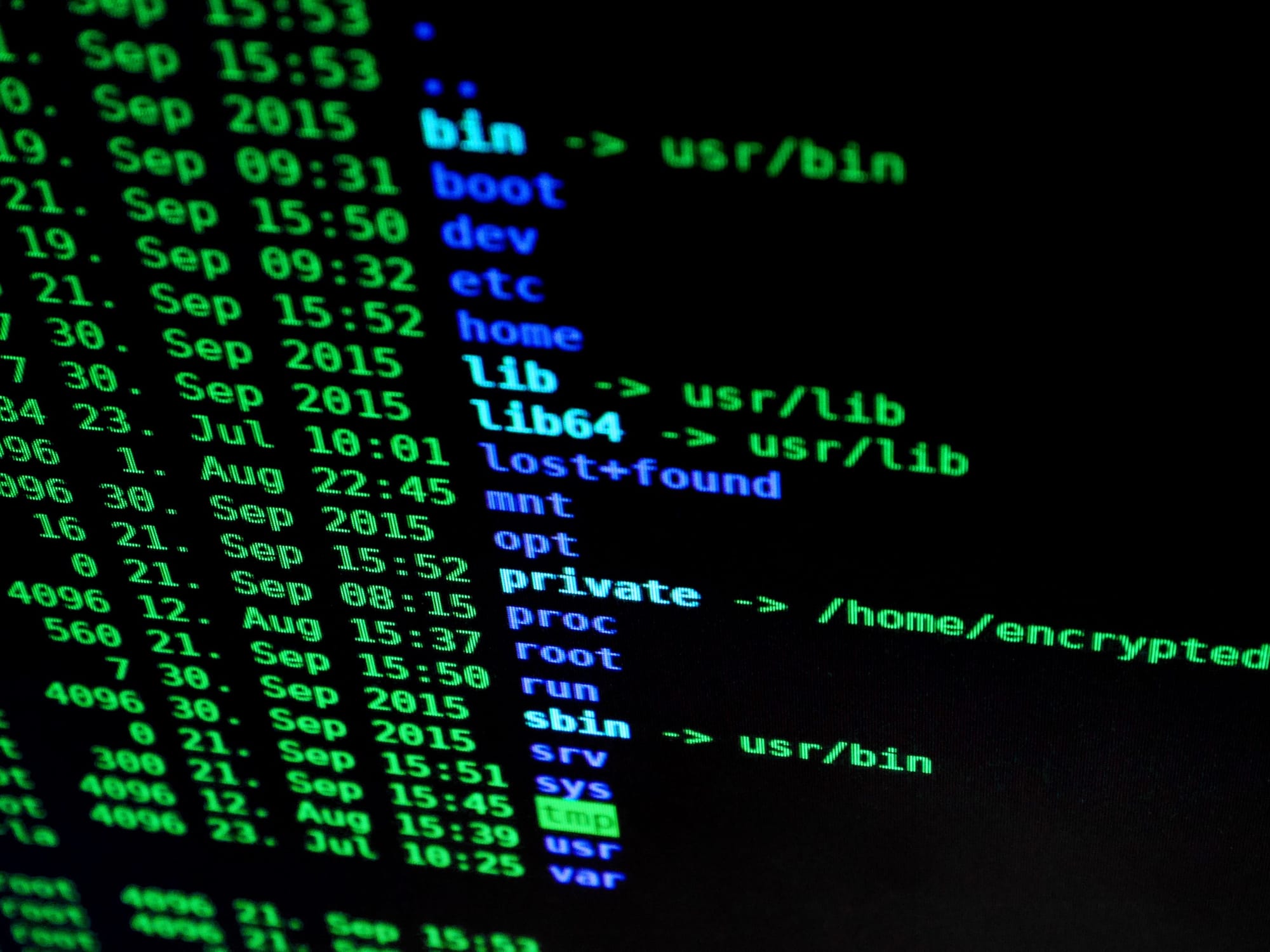
The QNAP never failed me. That is what made leaving it so hard to explain. It stored my files, served my media and let me reach both from anywhere, and it did all of that with a setup simple enough for someone who had never run network storage before. And yet, the longer I used it, the more I noticed the edges. A setting I wanted to change was not exposed. A feature I wanted existed, but was restricted or sat behind a paywall. I had bought the hardware, but the software decided what I was allowed to do with it, and I began to feel the walls closing in.
This is the first of two articles about how my home setup moved from closed systems to open ones. It is not a story about ideology. I did not leave because proprietary software is wicked, and I still think many people are better served by it. I left because I wanted control, and because I discovered that control is not something a product gives you. It is something you learn.
What a QNAP NAS gets right, and where it stops
It is worth giving the QNAP its due, because the reasons it worked are the same reasons it eventually did not.
I bought it to centralise my data, and it did that well. Files went into one place and were organised without effort. The box was reliable, which matters more than any feature list when it holds everything you care about. Its software ecosystem offered media servers and backup tools out of the box, and remote access to my files and media worked without me having to understand how. For a newcomer to network storage, that is exactly the right product: it takes a problem you do not yet understand and makes it disappear.
The trouble is that a problem made to disappear is also a problem you never learn to solve. Every convenience came with a decision already made on my behalf. When I wanted to configure something the interface did not offer, there was no way to do it. When I wanted a capability the platform did not include, I could wait for it, pay for it, or go without. None of that was unreasonable from the vendor's point of view. A managed appliance is supposed to be managed. But I had started to want to know how the thing in my cupboard actually worked, and the appliance was designed precisely so that I would not need to.
There is a quieter cost too, and it only becomes visible over time. A closed appliance ties more than its features to the vendor. Its update schedule, its app catalogue, the tools you use to back it up and the way it lays out your data are all the vendor's choices, made for the vendor's whole customer base rather than for you. While the box is new, that hardly registers. A few years in, you realise that moving away will mean untangling not just your files but every habit the platform has taught you, and that the longer you stay, the more there is to untangle. Open systems are not free of that problem, but they make it inspectable. You can see how the data is stored, read how the tools work, and replace one piece without replacing everything.
That is the line I eventually crossed, and it is a useful test for anyone weighing a closed system against an open one. If the product's limits never touch what you want to do, the limits do not matter, and the convenience is pure gain. The moment a platform decides what you may configure, you have outgrown it. From then on, every workaround is a reminder that the machine belongs to you only in the narrowest sense.
Why Windows stopped feeling like my own computer
The same feeling had been building on my desktop for longer, and with less excuse.
I was an experienced Windows user. I knew its settings, its quirks and its shortcuts. But knowing a system well also means knowing exactly where it overrides you. Security issues demanded constant attention, not as an occasional chore but as a background hum that never stopped. Updates arrived on Windows's schedule, not mine, and seemed never to end. I grew uneasy about how much data the system sent home and how little say I had in it. The operating system itself felt heavy, a resource hog on hardware that should have been doing my work rather than its own. And for all its size, it offered surprisingly little room to make the environment my own.
The moment a platform decides what you may configure, you have outgrown it.
None of this is a universal verdict. Windows suits a great many people, and for them the trade it offers, a familiar system that handles itself, is a good one. My complaint was narrower and more personal. I wanted a computer that did what I asked, when I asked, and showed me how it did it. Windows was built on the opposite assumption, that most users would rather not know.
Curiosity did the rest. I wanted to understand how software worked under the hood, and open source offered something no licence agreement could: the code itself, the documentation written by the people who built it, and communities that argued about design decisions in public. I spent time reading about how open-source licensing works and how projects are developed collaboratively, and I found open alternatives to nearly everything the QNAP had done for me. Some were rougher. Several were better.
Distro hopping as an education
What followed is usually described, a little dismissively, as distro hopping. I tried one Linux distribution after another, and one desktop environment after another, and for a while it looked as though I could not make up my mind. In hindsight it was the most efficient course in Linux I could have designed for myself, because each distribution taught one thing the others did not.
Ubuntu came first, and it was the right place to start. It is friendly to newcomers and has an enormous community behind it, which meant every question I had was one somebody else had already asked. It was also where I first opened a terminal on purpose rather than by accident.
Manjaro taught me what a rolling release feels like. Instead of large upgrades every so often, the system updates continuously, and through the Arch User Repository it offers a huge range of community-packaged software. That freedom comes with responsibility. It rewards a more hands-on, do-it-yourself approach, and it was the first distribution that asked me to understand what I was installing rather than just clicking through it.
Linux Mint, built on Ubuntu, showed me how much polish matters. Its interface and software management were the most comfortable of anything I tried, and it made the point that open source does not have to mean rough edges. Solus, which I used only briefly, was a lesson in focus: an independent distribution built around desktop usability and its own Budgie desktop. elementary OS made the case for restraint, with a minimalist design that treats less as more. Pop!_OS, from the hardware maker System76, showed what careful hardware support and a tailored desktop can do for everyday performance.
openSUSE was where stability and administration came into view. Its YaST tool gathered almost every system setting into one place, which made the operating system feel less like a collection of parts and more like something designed as a whole. Debian taught me the value of being boring in the best sense. It is the foundation on which a great many other distributions are built, and its reputation for stability comes from careful testing and quality control rather than from standing still.
The differences that mattered most were not the ones on the surface. Wallpapers and themes change in minutes. What actually separates distributions is how they handle software, and moving between them made that impossible to miss. The Debian family, including Ubuntu, Mint and Pop!_OS, uses apt. Manjaro inherits pacman from Arch. openSUSE has zypper, Solus its own eopkg, and Fedora uses dnf. Each has its own idea of how packages are built, how often they change and how dependencies are resolved, and learning four or five of them side by side taught me more about how a Linux system fits together than any single one could have.
The desktop environment is the other real fault line. GNOME, KDE Plasma, Budgie and elementary's Pantheon are not skins on the same idea. They embody different opinions about how much a user should be allowed to change and how much the system should decide for them, which, after the QNAP and Windows, was exactly the question I cared about.
Taken one at a time, none of these was the answer. Taken together, they taught me how Linux distributions differ, where the real choices lie, and how much of the experience is a matter of taste layered on top of the same underlying system.
Why Fedora and KDE Plasma became home
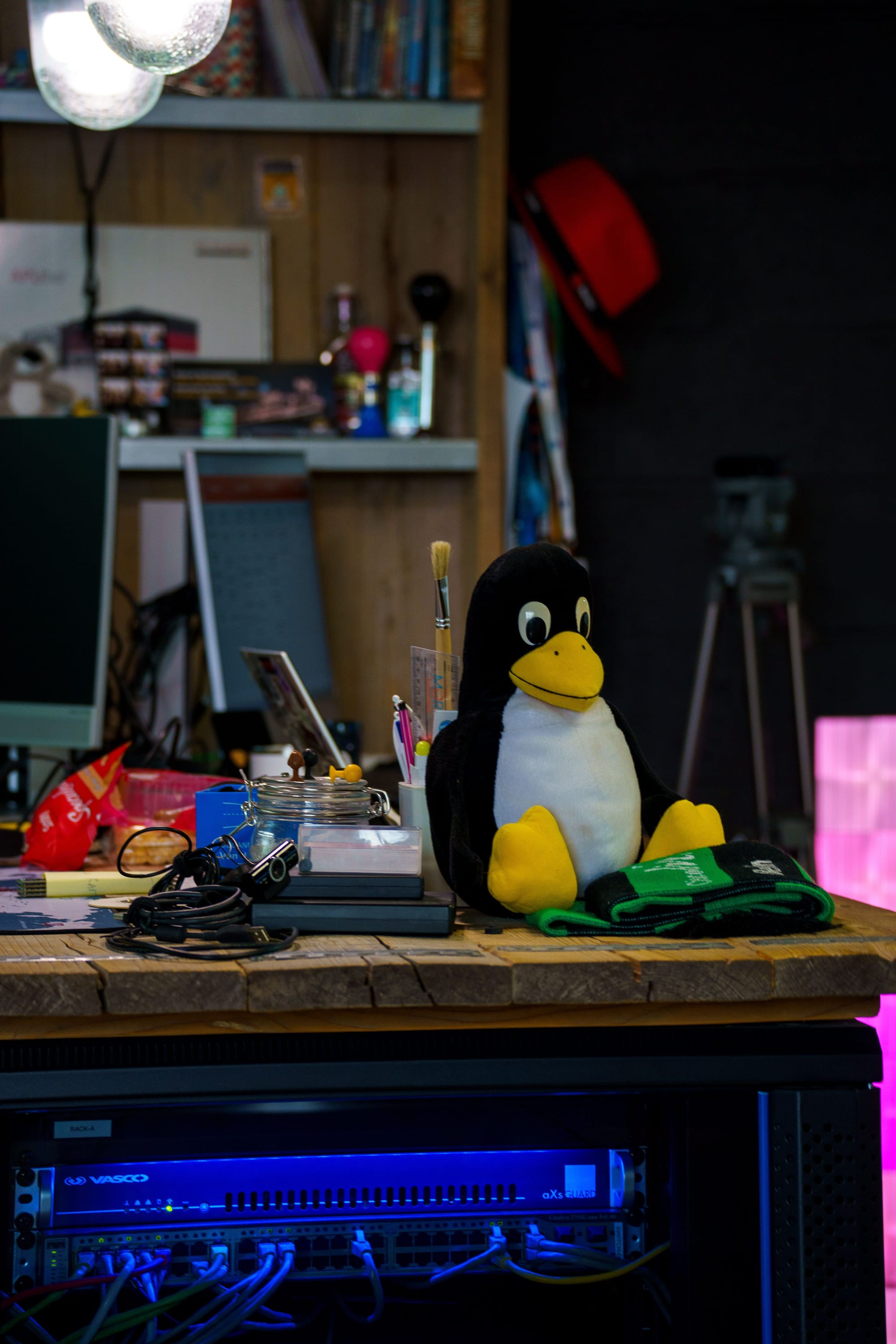
The distribution I settled on, and still use, is Fedora. It strikes the balance I had been looking for without knowing it: current software that does not lag years behind, on a base solid enough that I do not spend my evenings repairing it. Plenty of distributions are new, and plenty are stable. Fewer manage both at once, and that combination is what makes Fedora feel like home rather than a compromise.
On top of it sits KDE Plasma. After years of a desktop that told me how it should look and behave, Plasma does the reverse. It is elegant out of the box, but almost every part of it can be changed, rearranged or replaced. It is the clearest expression of the thing I had been missing on Windows and on the QNAP alike: an environment that bends to the person using it.
The pairing has held up since. That matters, because the point of the hopping was never to keep hopping. It was to find out what I actually valued, and then to stop.
Fedora also turned out to be a better choice than I knew at the time. It sits in the same family as Red Hat Enterprise Linux and its rebuilds, which is the world most servers in my lab now live in. The package manager I use on my desktop is the one I use on those servers, and the way services, permissions and security policies work on my laptop is the way they work in the lab. A desktop choice made for comfort became, without my planning it, years of practice for the infrastructure that came later.
The command line is the real skill
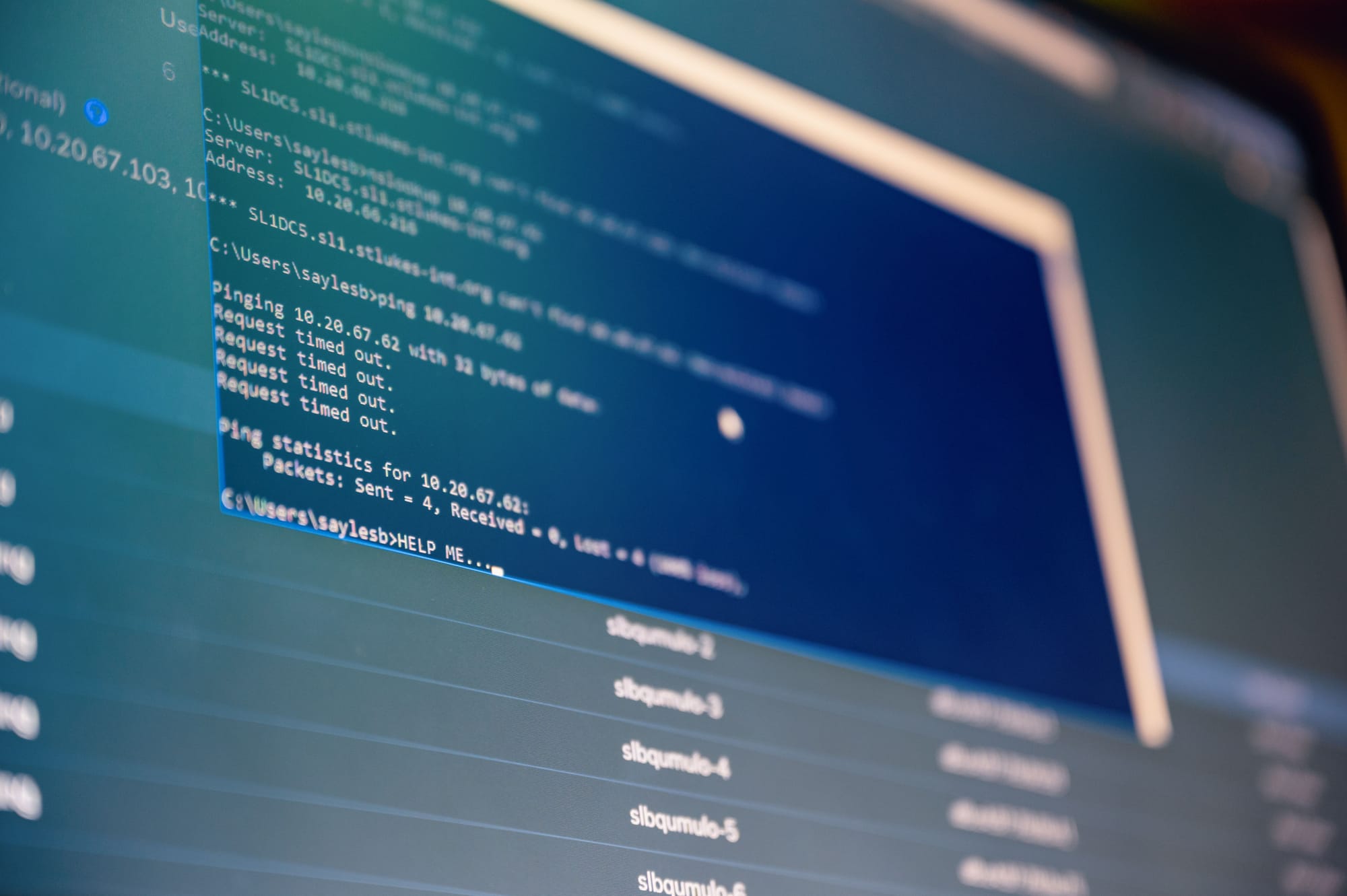
If there is one lesson from this stage that outweighs the rest, it is that the distributions were the scenery and the command line was the lesson.
Every distribution I tried had its own installer, its own desktop and its own way of managing software. But underneath, the same shell was waiting, and every time I moved I carried more of it with me. These days that shell is zsh, set up without oh-my-zsh so every line of the config is mine. Navigating the file system, reading a log, installing and removing software, editing a configuration file by hand: these were the skills that transferred, and they compounded in a way that no graphical tool ever did. I would not call myself an expert, then or now. But I learned enough to stop being afraid of a blinking cursor, and that turned out to be the threshold that mattered.
The habits that matter most are small and unglamorous. Reading a man page before searching the web. Checking a service's status and its logs before assuming it had broken. Making a copy of a configuration file before editing it, and comparing the two afterwards. Searching through a file for one word instead of scrolling. None of these is impressive on its own, but together they change how problems feel. A system that misbehaves stops being a mystery and becomes a question with an answer somewhere in its logs.
It is also what made everything afterwards possible. A home server, containers, automation, and eventually a homelab built entirely from code all rest on the same foundation of being comfortable at a prompt. The desktop was where I learned it, but the desktop was never really the point. What I wanted was to mould my digital environment according to my own vision, and the command line is the tool that makes that literal rather than aspirational.
That is the practical advice I would give anyone standing where I stood. Pick any reasonable distribution and use it for real work. Do not worry too much about choosing the perfect one, because the skill you are building is portable. The terminal you learn on Ubuntu is the terminal you will use on a server years later.
What control actually costs
Control has a price that convenience hides. On the QNAP, when something went wrong, it was someone else's problem to fix. On my own systems, every failure belonged to me. That is the bargain at the heart of moving to open source: you get the freedom to decide how everything works, and in exchange you inherit the responsibility for everything that breaks.
I accepted that bargain on the desktop without much difficulty. The real test came when I tried to replace the QNAP itself with an open-source server, and the first attempt did not go the way I had planned. That is where the second part of this story begins.