How I Designed the Network Edge
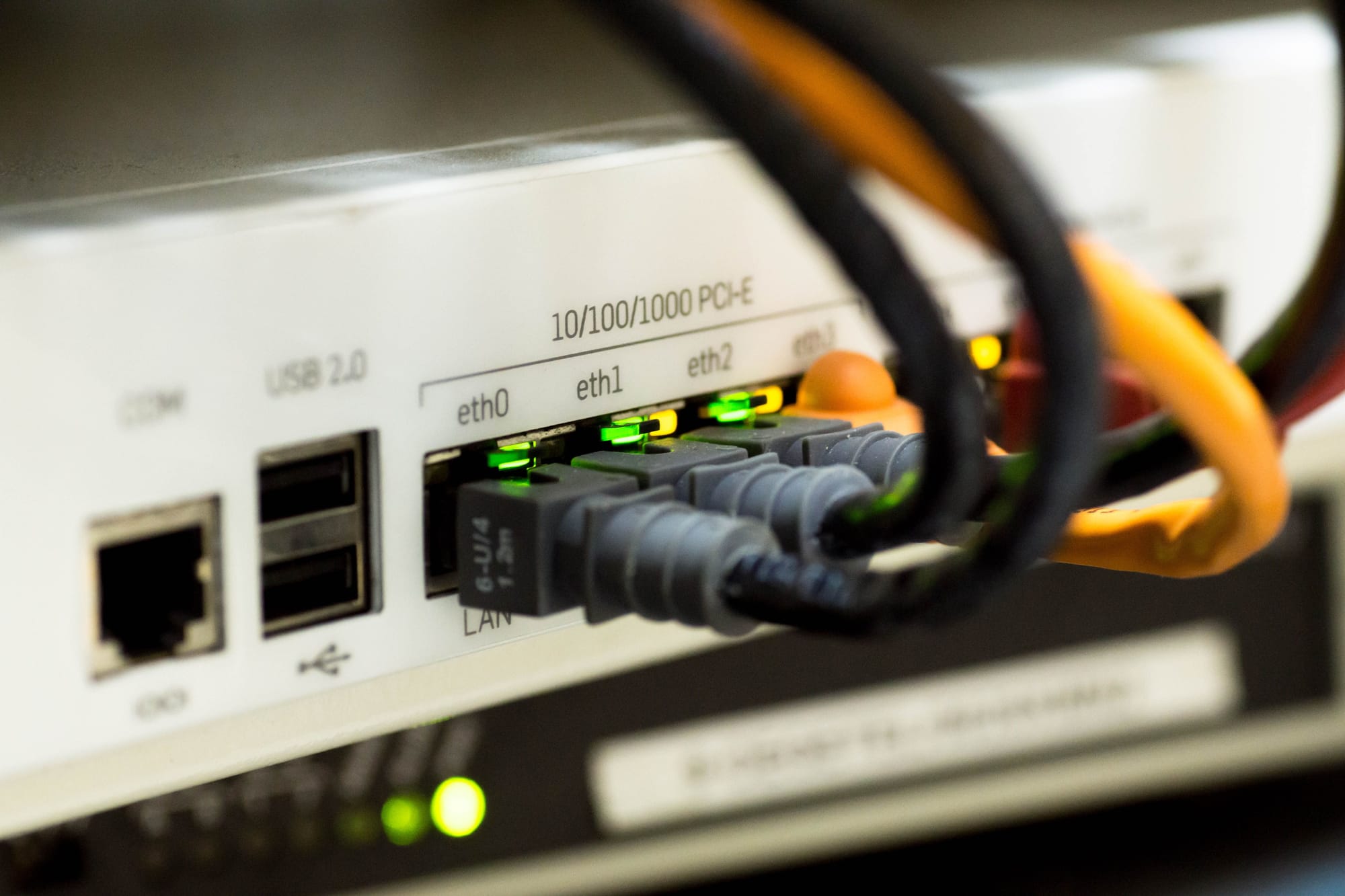
The box that guards the edge of my network is the NAS I left behind. The small two-bay QNAP that started this whole journey, the one whose limits pushed me towards open source in the first place, never went to a drawer. The chip that held its original firmware is still inside it, untouched, and it now boots pfSense from a drive of its own. Every packet that enters or leaves the lab passes through the machine I once decided was too closed to trust with my data.
There is a fitting irony in that, but the more useful lesson is about what the edge is for. When pfSense replaced the router my internet provider supplied, as the second part of Embracing Freedom described, it gave me full control over the boundary between my network and the internet. Control is only half of good edge design, though. The other half is honesty about what the firewall actually protects, and the design below is built on both.
What the edge firewall actually does
pfSense does more in this homelab than block traffic. It routes everything between the home network and the internet and translates addresses on the way, so that the whole lab shares one public address. It hands out addresses to devices on the network through DHCP. It is the time source for every host, which sounds minor until you remember how much depends on clocks agreeing: certificates, logs, authentication tokens and scheduled jobs all assume that every machine knows what time it is. Serving time from the firewall gives every host the same single reference on the local network, so their clocks agree with each other even when they drift slightly from the rest of the world. And it runs the reverse proxy that fronts every service the public can reach.
That makes it the bottom of the lab's dependency stack. If pfSense stops, the internet is gone for every device in the house, the public services go offline, and every host loses its time source and slowly begins to drift. Machines on the local network can still reach each other, because the switch keeps them connected, but nothing gets in or out. Everything else in the lab is designed around the assumption that this one machine is there.
The smallest public surface I could get
The guiding rule at the edge is simple: nothing is reachable from the internet unless there is a specific reason for it to be. Public services reach the lab through a single HTTPS port, with plain HTTP accepted only so that it can be redirected to HTTPS. One more forward exists for the overlay network that I use for remote administration, which needs a single port for the NAT traversal that lets devices find each other from behind other people's routers. Traffic from addresses that should never appear on the public internet at all is blocked outright.
That is a small surface at the level of ports, and it would be easy to stop there and call the job done. It would also be misleading. One open HTTPS port can front any number of applications, and behind mine sits a list of them: this magazine, a public mirror of my code, media servers, and the content tools that writers use from outside the house. Each of those is a front door, with its own login page and its own software, and each one widens the surface in a way no port scan will ever show.
So the real unit of exposure is not the port but the public name. Every name that the reverse proxy answers for is a deliberate decision, and anything that is not on the list does not exist from the outside. Within a name, the surface can be narrowed further. The analytics service that counts visits to this magazine has to be reachable by every reader's browser, but only two parts of it: the small script that a page loads, and the endpoint that script reports to. The edge passes those two paths and answers everything else, including the dashboard and its login page, with a plain "not found". A visitor's browser gets exactly what it needs, and nobody else gets anything to attack.
An edge firewall only protects the traffic that actually passes through it.
Why HAProxy moved onto pfSense
The reverse proxy for public traffic is HAProxy, and it runs as a package on pfSense itself. It used to run on a virtual machine of its own, which meant one more machine to patch, monitor and keep alive, whose only job was to sit between the firewall and the services. Moving it onto the firewall removed that machine and with it a whole category of failure. Public traffic now arrives at pfSense and is handed straight to the right service, with no extra hop that could fail on its own.
TLS ends at HAProxy, using a wildcard certificate for the public domain that renews itself through a DNS challenge, so no certificate ever has to be copied by hand or remembered at renewal time. The DNS challenge matters for two reasons. It is the only way Let's Encrypt will issue a wildcard certificate, and it proves ownership of the domain by publishing a record in DNS rather than by answering a request on an open port, so nothing extra has to be exposed just to keep certificates valid. In front of the public names sits Cloudflare, which proxies their traffic before it ever reaches the lab. There is one exception: the overlay network's control plane has to be published directly, because the streaming protocol it relies on does not pass through Cloudflare's proxy. Why that is, and what it took to make that service work through the edge, is a story for the article on remote access.
Locking down east-west traffic, one rule per flow
The public surface was the easy part. The harder work, done in July 2026, was the rules governing traffic inside the network, between the lab's own machines. Before the lockdown, those rules had grown the way rules usually do: one at a time, as needed, with raw IP addresses typed into each, and a broad rule allowing anything on the network to talk to anything else quietly doing most of the work.
Part of the work was replacing every raw address with an alias. The pfSense documentation describes aliases as named groups of hosts, networks or ports, and their real value is that they make a rule readable. A rule that allows the monitoring host to receive logs from the fleet says exactly that, instead of a string of numbers that only made sense on the day it was written. Each host got a single alias of its own, and group aliases were built from those, so that every host's address is defined in one place and nowhere else.
The part that took the time was the rules themselves. Every flow that the lab genuinely depends on was identified and given an explicit rule of its own: metrics and logs to the monitoring host, messages to the notification broker, security agents to their manager, time requests to pfSense, configuration management reaching each host, container management, the knowledge base's API, and file shares for the fleet and for a handful of personal devices. Only once every real flow had its own rule was the broad allow-anything rule narrowed to traffic bound for the internet, and a final rule added at the bottom of the list: block anything else between local machines, and log it.
That final rule is what made the change safe. Rather than guessing whether something had been missed, the lab ran under normal daily use for a while, with the block-and-log rule as the safety net. Anything missed would show up in the firewall log, named and timestamped, instead of failing silently. Before that soak began, the obvious paths were tested directly: configuration management reaching every running host, the knowledge base answering its API, the monitoring host accepting metrics and logs, the full notification pipeline delivering a test message from every machine to the chat channel, and the secrets agents on each host forced to log in afresh and render their files. All of it passed, and after a period of real use with nothing new in the log, the locked-down rule set became the accepted baseline. A later pass surfaced a quieter problem. The rules for personal devices reaching the file shares had been placed below the catch-all, so they could never match anything. The firewall's per-rule counters gave them away: a rule that has evaluated zero packets is either unnecessary or unreachable, and these were unreachable. Moving them above the catch-all brought them back to life.
The same pass found rules for a port that nothing listened on any more, and section headers in the rule list that no longer described the rules beneath them. None of it was dangerous on its own, but all of it was the kind of drift that makes a rule set impossible to reason about. A firewall rule nobody can explain is a rule nobody will dare to remove.
What the firewall cannot see
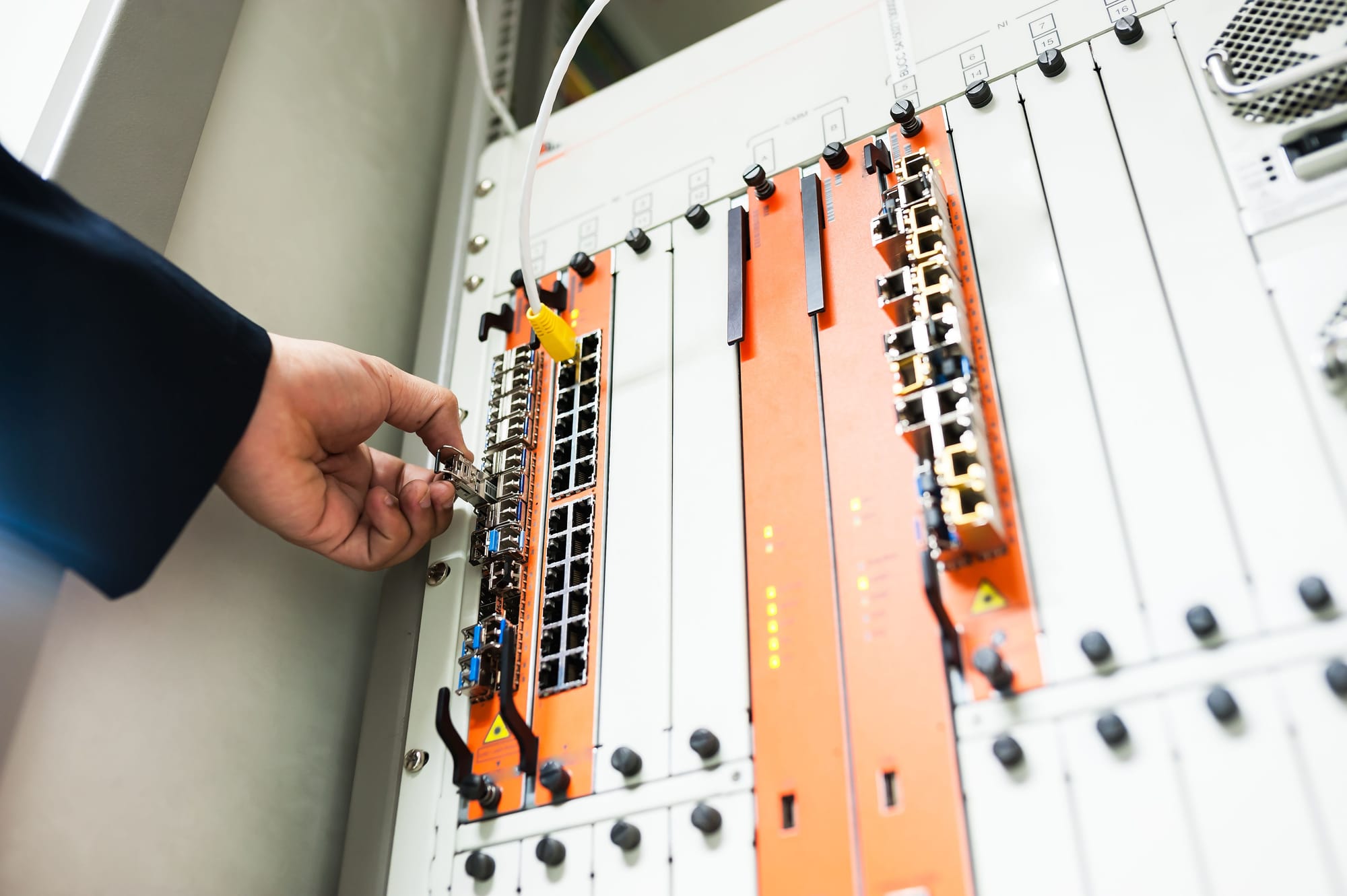
There is a limit to all of this, and it is the most important sentence in this article. An edge firewall only protects the traffic that actually passes through it.
The lab sits on one flat local network. When two machines on that network talk to each other, their traffic goes through the switch, not through pfSense, and no rule on pfSense ever sees it. The lockdown was real work and worth doing: it produced an exact inventory of every flow the lab depends on, and it governs everything that does cross the firewall. But it does not, and cannot, stand between two machines on the same network. What that means in practice, and how I found out, is the subject of a later article on lateral movement.
Why I removed Suricata instead of tuning it
pfSense once ran Suricata, an open-source network threat detection engine, on both of its interfaces, with inline blocking turned on and a few custom rules of my own. Those rules forced every DNS query on the network towards the lab's own DNS server and guarded access to the secrets store. By the time of the lockdown it had been switched off, configured but waiting for a decision about whether to turn its blocking back on. It had never had a proper review since it was set up. When I finally sat down to tune it, the honest conclusion was that it should go.
The deciding question was what threat it was actually there to stop. For a lab with a set of public applications, the realistic attack is not an exotic exploit carried in a recognisable network pattern. It is someone trying password after password against a login page. That is behaviour at the application level, visible in an application's logs, and a generic signature ruleset matching packets on the wire does not see it. Suricata was looking hard at the wrong layer.
The second consideration was the cost of being wrong. With inline blocking, a bad match does not raise an alert for someone to review later; it silently drops the traffic. For an edge that exists to serve real visitors, a false positive means a reader who cannot load a page and never says why. A tool that had never been tuned, defending against the wrong threat, with the power to quietly turn visitors away, was costing more than it gave.
The replacement I have in mind is CrowdSec. It reads log data and matches it against behaviour-based scenarios, which is exactly where brute-forcing shows up, and it shares what it detects with a community blocklist of known attackers in exchange for receiving that list. That fits the actual threat far better. Its pfSense package is not yet officially available, and on a machine this central I would rather wait for the supported release than install it by hand.
The small things that show how honest an edge is
Some of the most telling details at the edge are small. The certificate on pfSense's own web interface expired on 20 July 2026, and nothing noticed. It had been issued without an automatic renewal, and the reason its expiry broke nothing is that the browser proxy that fronts the interface does not verify the certificate behind it. The expiry was harmless, but it showed that the certificate was doing no work at all. Rather than set up renewal for a certificate nothing checked, I switched the interface to pfSense's own self-signed default and removed the expired certificate and the authorities it had left behind. Even that small change had a catch: pfSense keeps a cached copy of its parsed configuration, and replacing the configuration file directly did not take effect until that cache was cleared.
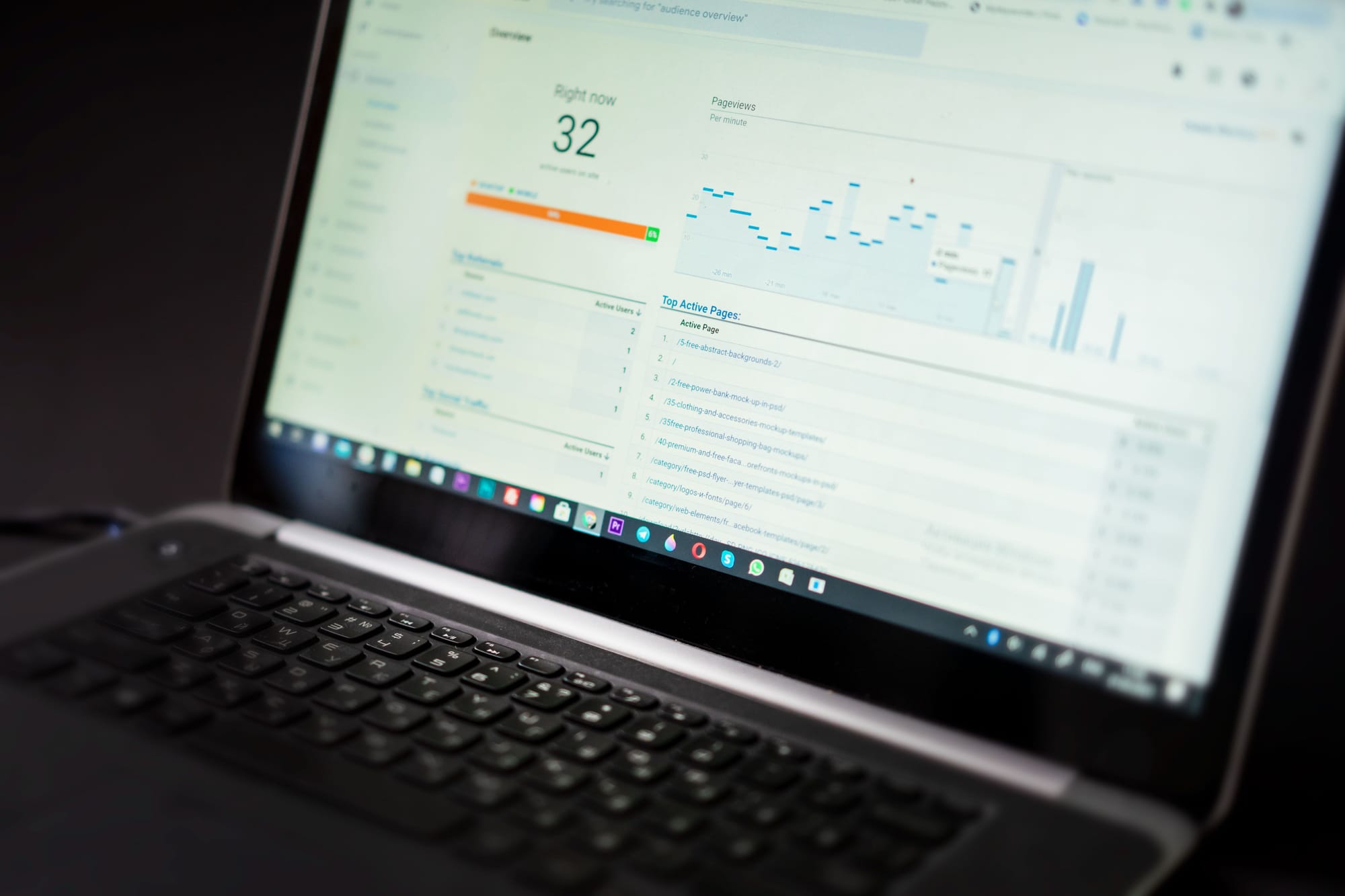
Visibility is the other half of honesty. pfSense now reports to the lab's monitoring like every other host, and a small collector added alongside it exposes each firewall rule's hit counts, so the monitoring board shows which rules are doing the work and which are not. The collector found a bug of its own before it shipped: a single rule covering both TCP and UDP compiles into two rules underneath with the same description, which produced duplicate metrics until each was labelled with its protocol. It is the one place where the lab's monitoring pulls rather than receives. Every other host pushes its data to the monitoring server through an agent, but pfSense runs FreeBSD rather than Linux, so the monitoring server collects from it directly instead. Even the basic numbers needed care: FreeBSD reports memory under different metric names from Linux, so the dashboard's memory panel had to learn both.
The last detail is one the firewall cannot fix at all. My internet provider blocks outbound mail ports before traffic ever reaches pfSense. I confirmed it the way you confirm anything at the edge: connections to a test server timed out on every mail port and succeeded on others, no firewall rule mentioned those ports, and a packet capture on the internet-facing interface showed the connection attempts leaving with no reply. Nothing in the lab can send email directly, so every notification goes through a chat service instead. The applications that would normally send mail, such as the file-sync platform's password resets and share notices, simply have it switched off until the provider opens those ports, with their settings kept ready for the day it does.
The edge, then, comes down to three habits. Expose names, not just ports, and make each one a decision. Give every real flow its own rule, so the rule set describes the lab instead of tolerating it. And measure the rules, because a rule nobody can see working is one nobody can trust. It is small where it can be and honest where it cannot. The next article follows the one exception that crosses it deliberately: the overlay network that lets me administer the whole lab from anywhere, without opening anything beyond that one forward.